Free online tool — no signup required
Tap and Hold Image Maker. Hide images on the X timeline.
A tap and hold image is a special transparent PNG that looks faint on X's white timeline, then snaps into full color when someone taps and holds to enlarge it. Also known as kakushie (カクシエ), it lets you hide a surprise inside an ordinary-looking post — free, no signup, and your images never leave your browser.

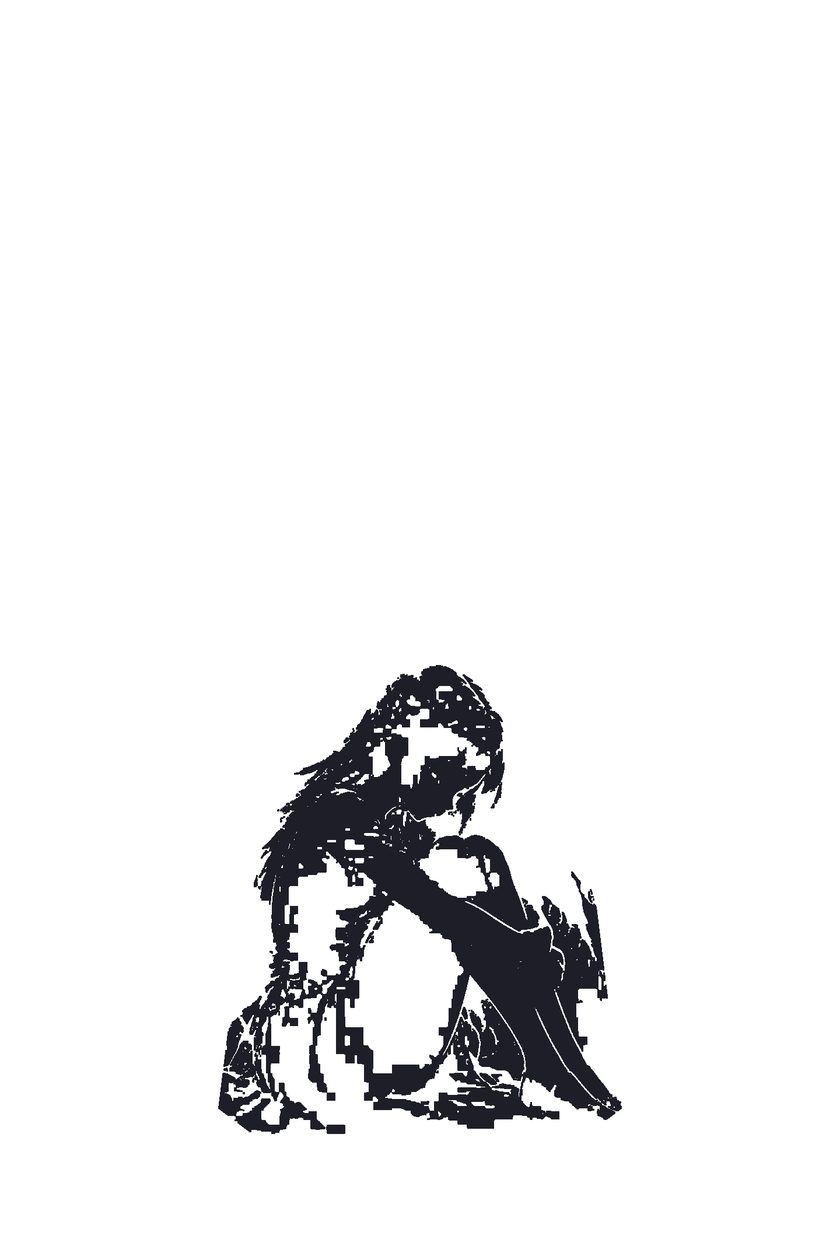
What is a tap and hold image?
A tap and hold image is a specially crafted transparent PNG designed for X (Twitter). On the white timeline it shows only a faint hint of the picture — or nothing at all — because its visible pixels are packed into near-white areas. When someone taps and holds the image to enlarge it, X renders it against a black background, and the hidden picture snaps into full color. The trick works because X preserves transparency in PNG uploads: the dark pixels are stored inside fully transparent areas that only become visible on a dark backdrop. The format is also known as kakushie (カクシエ), Japanese for "hidden picture", and it became popular in Japanese fan-art communities before spreading worldwide. TapAndHold builds the effect automatically in your browser — upload any image and the tool hides the dark areas for you, no Photoshop skills required.
How to make a tap and hold image
- Upload — drop any JPG, PNG or WebP into the editor above. Nothing is uploaded to a server; everything runs in your browser.
- Auto-hide applied — TapAndHold instantly hides the dark areas of your image with a smart preset, so the timeline version looks faint or blank.
- Adjust (optional) — fine-tune with the magic wand or edge-snapping brush, boost brightness, or switch to two-image swap mode to reveal a completely different picture. Tip for two-image swap mode: choose a light or bright image for the timeline — dark timeline images leak through on the black tap-and-hold background.
- Download & post — export the PNG8 file, then post it from a desktop browser with the image attached.
The X mobile app re-encodes uploads and destroys the transparency effect. Always post from a desktop browser, and wait 1–2 minutes after posting — the reveal won't work until X finishes processing the image.
カクシエメーカー(日本語版)もあります。
Quick modes
Three one-tap presets for the most popular tap and hold styles:
🎭 Blank surprise
The timeline looks completely empty — the image only appears when someone taps and holds. Perfect for punchlines, spoilers and reveals.
👤 Silhouette
Keep a faint outline of your subject visible in the feed, so followers know a surprise is waiting inside the post.
✏️ Custom reveal
You choose exactly which areas stay visible and which stay hidden, using the magic wand and the edge-snapping brush.
Examples & inspiration
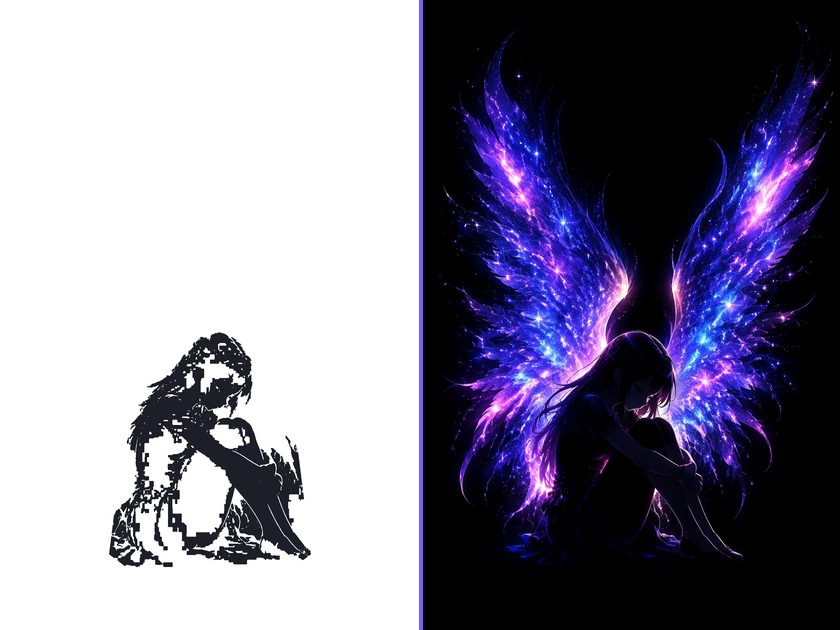
See how a finished tap and hold image behaves — faint on the white timeline, full color on tap and hold.
Frequently asked questions
Why doesn't my tap and hold image work when I post from the X app?
The X mobile app re-encodes and compresses image uploads, which flattens the transparency your tap and hold image relies on. Always post from a desktop browser at x.com, attach the downloaded PNG directly, and wait 1–2 minutes after posting — the reveal only starts working once X finishes processing the file. See the step-by-step tutorial →
What's the difference between tap and hold and "load in 4K"?
"Load in 4K" posts hide extra detail in a normal photo that only sharpens at full resolution — the image is fully visible on the timeline. A tap and hold image is different: it stays faint or invisible on the white timeline and only reveals its content on the black tap-and-hold screen, using transparent PNG pixels.
Do I need to understand PNG transparency to use this?
No. TapAndHold analyzes your image and applies a smart preset that automatically hides the dark areas, so the timeline version looks faint or blank without any manual work. If you want more control, the magic wand and brush tools let you refine the effect visually — no knowledge of alpha channels or transparency required.
What image size works best?
Use an image up to 2432 pixels on its longest edge and keep the exported file under 5MB so X preserves it without recompression. Vertical ratios like 2:3 or 9:16 work well. In two-image swap mode, pick a light or bright timeline image — dark timeline images leak through on the black tap-and-hold background.
Are my images uploaded to a server?
No. TapAndHold runs entirely in your browser: decoding, pixel analysis, masking and PNG8 encoding all happen locally on your device, and nothing is sent over the network. Your images never leave your browser, which also makes the tool safe for unreleased artwork, private photos and surprise announcements.